



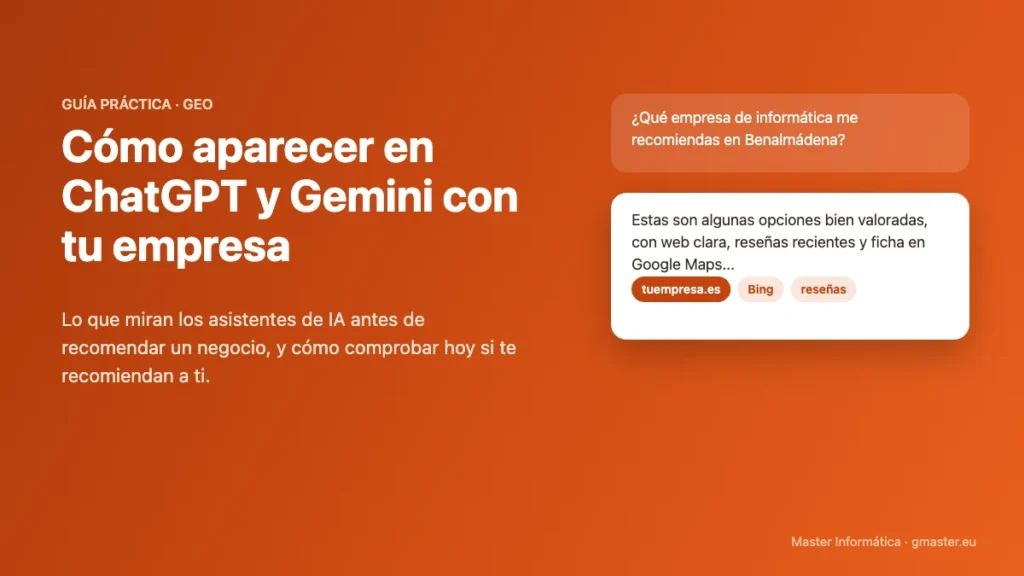
More and more customers do not search on Google: they ask ChatGPT, Gemini or Copilot directly, "Which company do you recommend for…?". The assistant answers with two or three names and the conversation ends there. If your business is not among those names, it does not exist for that customer.
The good news is that AI assistants do not choose at random. They rely on what they find about your business online, and that is something you can work on. In this guide we explain what they look at, how to check today whether they recommend you and what steps to take to start appearing.
How ChatGPT and Gemini decide whom to recommend
When someone asks about a service in a specific area, the assistant searches the internet and summarises what it finds. ChatGPT and Copilot rely mainly on the index of Bing; Gemini and AI Overviews rely on Google. In both cases they value the same things:
- A website that is clear at first glance: what you do, where and for whom, said clearly and directly.
- Consistent details everywhere: the same name, address and phone number on your website, Google Maps, Bing and directories.
- Recent reviews: reviews on Google and on platforms such as Trustpilot or Trustindex that confirm you do good work.
- Mentions on other websites: business directories, associations, clients who link to you or articles about you.
- Content that answers real questions: articles and FAQs that AI can quote almost word for word.
Check in five minutes whether they recommend you
Open ChatGPT, Gemini and Copilot and ask the questions a customer of yours would ask, with your service and your area. For example:
- "Which company do you recommend for [your service] in [your town]?"
- "What are the best [your sector] companies on the Costa del Sol?"
- "What do customers think of [your business name]?"
Note whether you appear, in which position and what it says about you. If you do not appear, or the information is wrong or outdated, you know where to start. Repeat the test every month to see how it evolves.
Seven steps to appear in AI answers
1. Register your website with Bing, not just Google
Many businesses only work on Google and forget about Bing, which is the gateway to ChatGPT and Copilot. Verify your website in Bing Webmaster Tools, submit your sitemap and enable IndexNow so that every change is reported instantly.
2. Explain clearly what you do and where
One page per service, with the service name and the area in the title. Simple sentences that AI can reuse: "We are an IT maintenance company for businesses in Benalmádena and Marbella".
3. Add structured data
These are tags that visitors do not see, which tell search engines who you are, where you are, your opening hours, your phone number and your Google Maps listing. They help AI avoid confusing your business with another.
4. Align your listings on maps and directories
Google Business Profile, Bing Places, Apple Business Connect and the best-known business directories, with exactly the same details. Every consistent listing strengthens trust in your business.
5. Get reviews consistently
Ask for a review at the end of every job, with a direct link or a QR code, and reply to all of them. A few reviews every month count for more than many at once.
6. Publish content that answers questions
The questions your customers ask you on the phone are the same ones they ask AI. Answer them on your blog and in an FAQ section, with short, specific answers.
7. Measure the results
Google Search Console already shows how often you appear in Google's AI answers, Bing Webmaster Tools shows citations in Copilot and Google Analytics identifies visits from ChatGPT and other assistants. Without measuring, you will not know what works.
A real example
For a luxury architecture studio on the Costa del Sol we applied these steps together with a new website. Within a few weeks it went from about 10 to about 50 daily appearances in Google's AI answers, started being cited by Copilot and began receiving visits from ChatGPT. You can see the details in our SEO success stories.
Frequently asked questions
Can you pay to appear in ChatGPT?
Not like Google Ads. Assistants' recommendations are based on the information they find about your business, so the work is about making that information clear, consistent and plentiful.
How long does it take to show?
The first changes usually appear four to eight weeks after fixing the website, Bing and the listings. Solid results come after a few months of consistent work.
Does this replace SEO?
No, it complements it. Almost everything that helps you appear in AI also improves your Google ranking. We explain it in SEO or AI optimisation: what your business needs.
We help AI recommend your business
At Master Informática we handle optimisation for ChatGPT and AI (GEO) alongside SEO in Marbella for businesses in Benalmádena, Marbella and across the Costa del Sol. We start with a free diagnosis: we tell you how Google and AI assistants see you today and what to improve first. Call us on 629 555 302 or email info@gmaster.eu.
SEO