


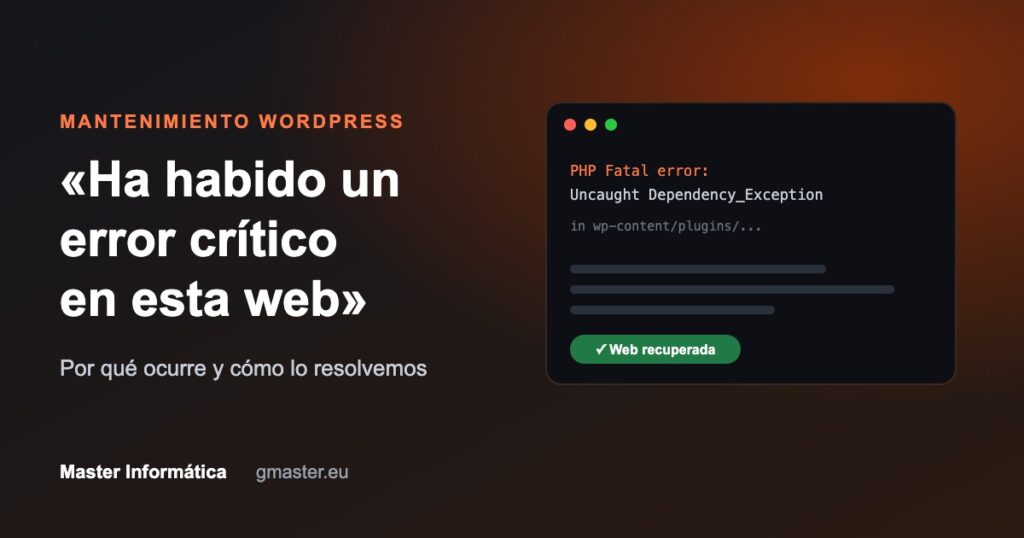
You open your website and, instead of your page, a blank message appears: "There has been a critical error on this website". No menu, no content, no contact form. For any business it is an emergency: every hour the website is down means customers going to the competition. This week it happened to one of our clients, and we explain what happened, how we solved it in minutes and what you can do to prevent it.
What does "critical error" mean in WordPress?
It is WordPress's way of warning you about a PHP fatal error: some part of the code (usually a plugin or the theme) has failed in such a way that the page cannot be generated. For security reasons, WordPress does not show the technical details to visitors, only that generic message. The real cause is written in the server error log, and that is where you need to look.
A real case: an automatic update that brought the website down
The website of one of our clients, an advisory firm on the Costa del Sol, woke up down. With our monitoring tools, supported by artificial intelligence, we checked the server error log and had the diagnosis within minutes: PHP Fatal error: Uncaught Dependency_Exception.
What had happened? The page builder (Elementor) had automatically updated to a major version, but its "Pro" add-on was an old unlicensed copy that could not be updated. The two pieces stopped understanding each other and the whole website went down.
How we solved it
- Backup before touching anything. Even if the website is down, everything is saved exactly as it is first.
- Diagnosis in the error log to identify the exact plugin causing the failure, without blind trial and error.
- Deactivation of the incompatible plugin from the server panel. The website was back online within minutes.
- Permanent fix: we rebuilt the header, footer and contact form without relying on that add-on, updated PHP and the other plugins, reinforced security and took the opportunity to modernise the design and improve SEO and speed.
The most common causes of a critical error
- Incompatible updates between plugins, theme or WordPress version.
- "Nulled" (pirated) plugins or themes: they receive no updates, tend to break and often hide malicious code.
- PHP version too old or, conversely, newer than a plugin supports.
- Not enough memory allocated to PHP on the server.
- Conflicts between plugins that do the same thing or modify the same parts of the website.
- Damaged files after an interrupted update or an attack.
How to keep your website from going down
- Automatic backups that are tested and stored outside the website itself.
- Official licences for all paid plugins and themes.
- Test major updates on a staging copy before applying them to the live website. This is what we do with our clients' major updates.
- Up-to-date PHP that is compatible with your plugins.
- Professional monitoring and maintenance: spotting the failure before the client notices.
What if it has already happened to you?
Do not delete or reinstall anything blindly. Check whether WordPress has sent the administrator an email with a "recovery mode" link and, if you do not feel confident, ask for help: with access to the server, a critical error is usually solved in minutes without losing any information.
At Master Informática we maintain WordPress websites for businesses in Benalmádena, Marbella and across the Costa del Sol: controlled updates, backups, security, speed and SEO.
IT maintenance